mirror of
https://github.com/GRFreire/scripts.git
synced 2026-07-05 00:09:40 +00:00
| .. | ||
| colorscripts | ||
| README | ||
| colorscript.sh | ||
| LICENSE | ||
| README.md | ||

Shell Color Scripts
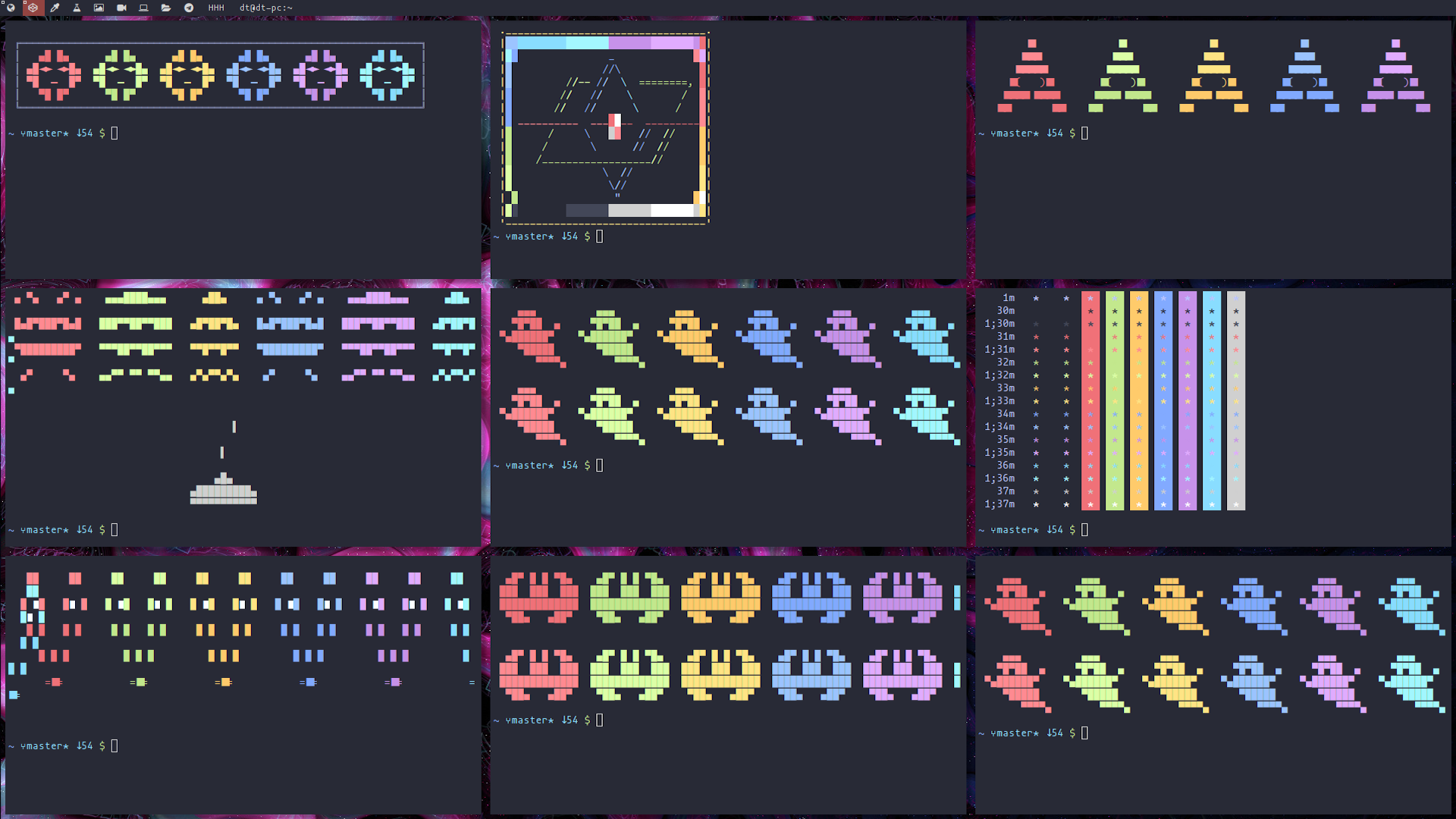
Fork from Derek Taylor - https://gitlab.com/dwt1/shell-color-scripts
Installing shell-color-scripts
git clone https://github.com/GRFreire/shell-color-scripts $HOME/.local/share/shell-color-scripts

ln -s $HOME/.local/share/shell-color-scripts/colorscript.sh $HOME/.local/bin/colorscript
Make sure that $HOME/.local/bin is set in your PATH.
Update
Go to $HOME/.local/share/shell-color-scripts and update the repo.
cd $HOME/.local/share/shell-color-scripts
git pull
Usage
colorscript --help
Description: A collection of terminal color scripts.

Usage: colorscript [OPTION] [SCRIPT NAME/INDEX]
    -h, --help, help    	Print this help.
    -l, --list, list    	List all color scripts.
    -r, --random, random	Run a random color script.
    -e, --exec, exec    	Run a spesific color script by SCRIPT NAME or INDEX.
Auto run
For even more fun, add the following line to your .bashrc or .zshrc and you will run a random color script each time you open a terminal:
### RANDOM COLOR SCRIPT ###
colorscript random
Integrated terminal emulator
Probably you don't want colorscript to run in your Integrated terminal (i.g. your vscode terminal). So, if you pass an env variable INTEG_EMU (with any value) the script won't run.
Try adding this to your settings.json (VSCode):
"terminal.integrated.env.linux": {
    "INTEG_EMU": "vscode"
}